Skip to main content
倍穎資訊線上手冊
View All
Search
Shelves
Books
Log in
Info
Content
Shelves
維修
產品維修流程
維修品資料建立
維修資料建立
維修資料建立
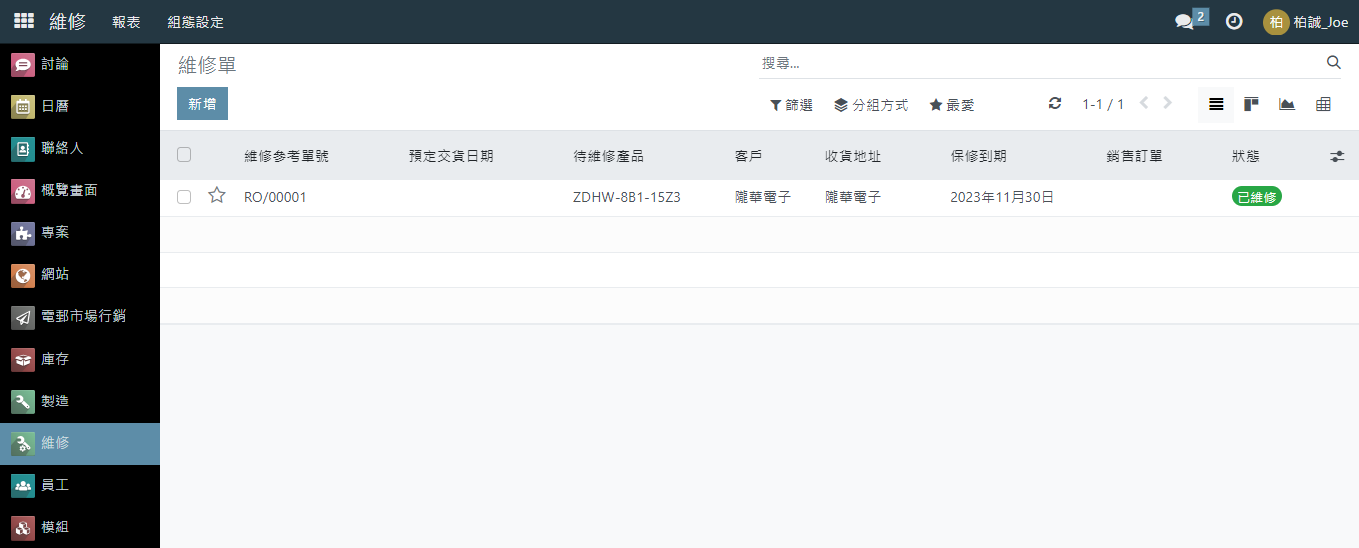
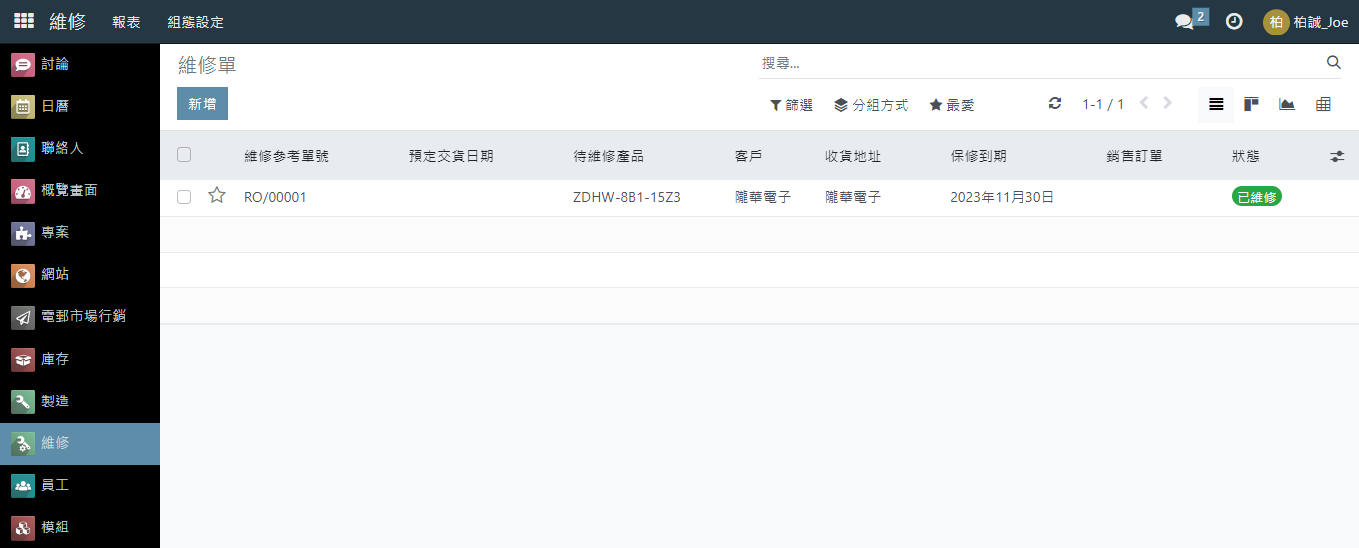
點選左方列 [維修]
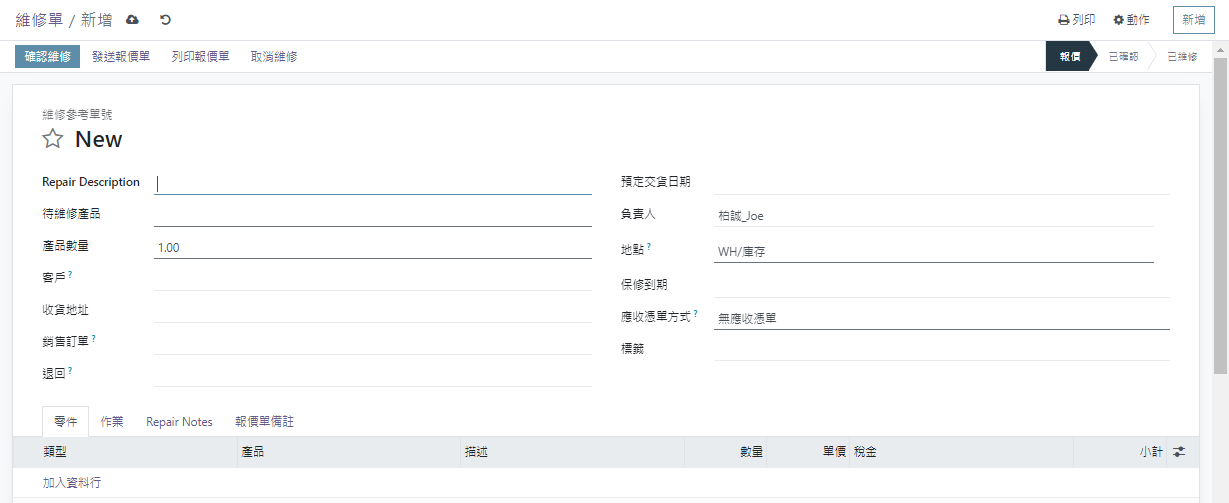
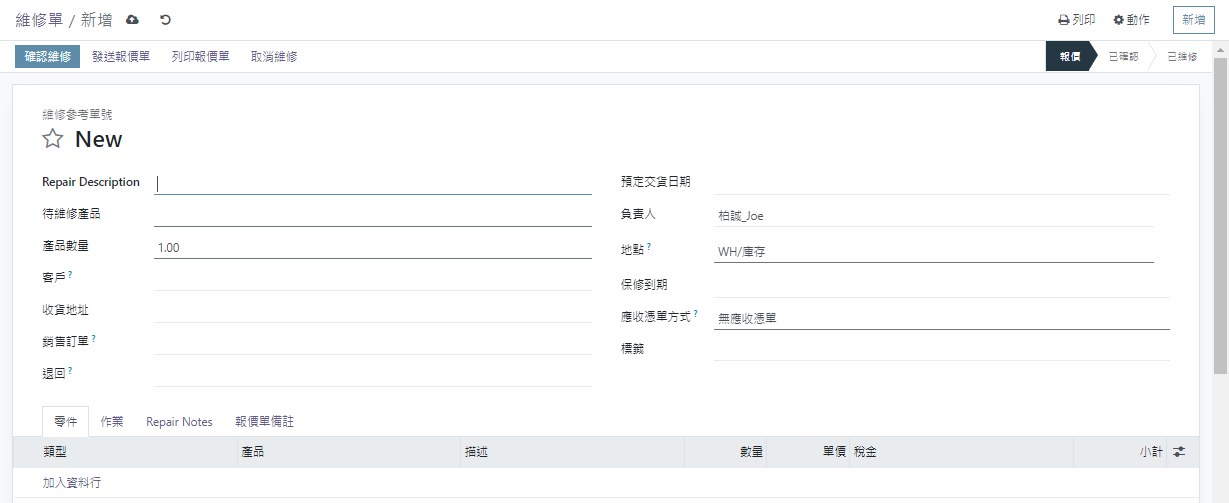
點選 [新增]鈕
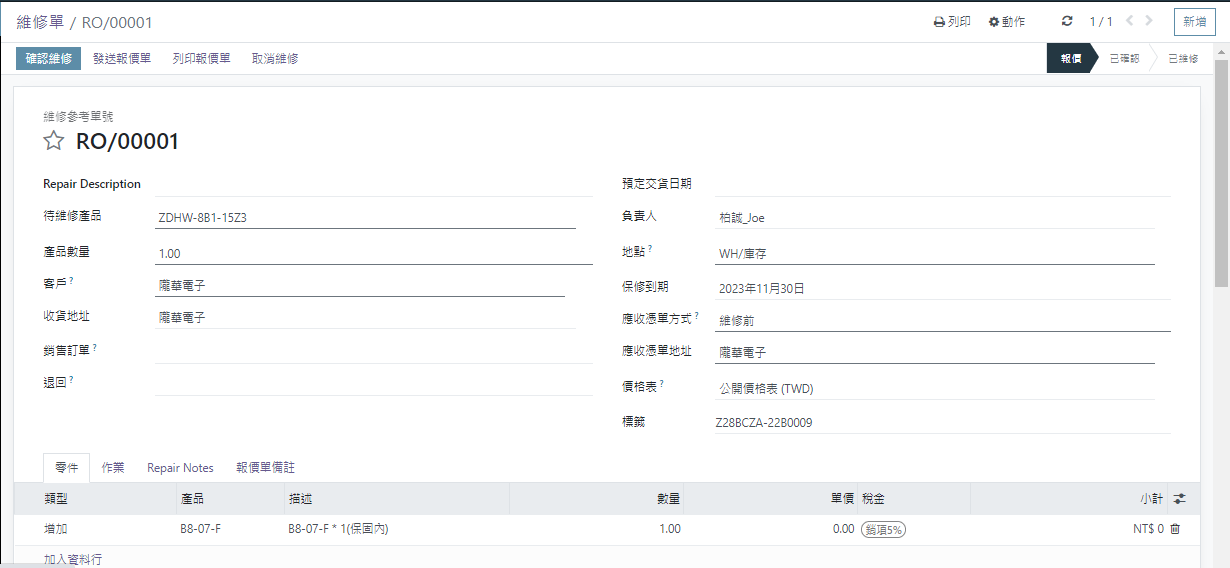
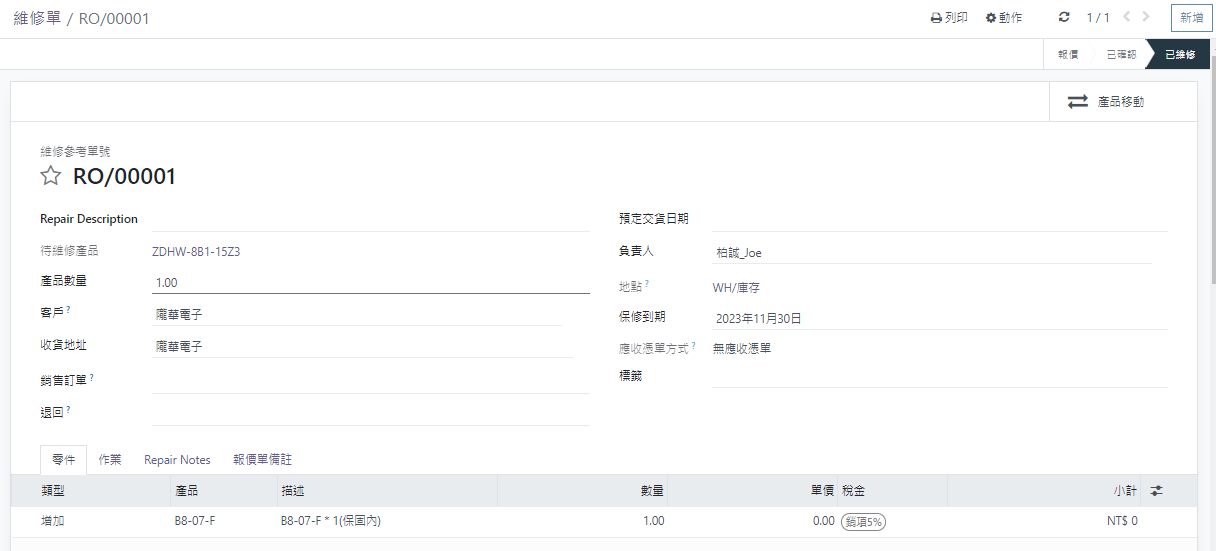
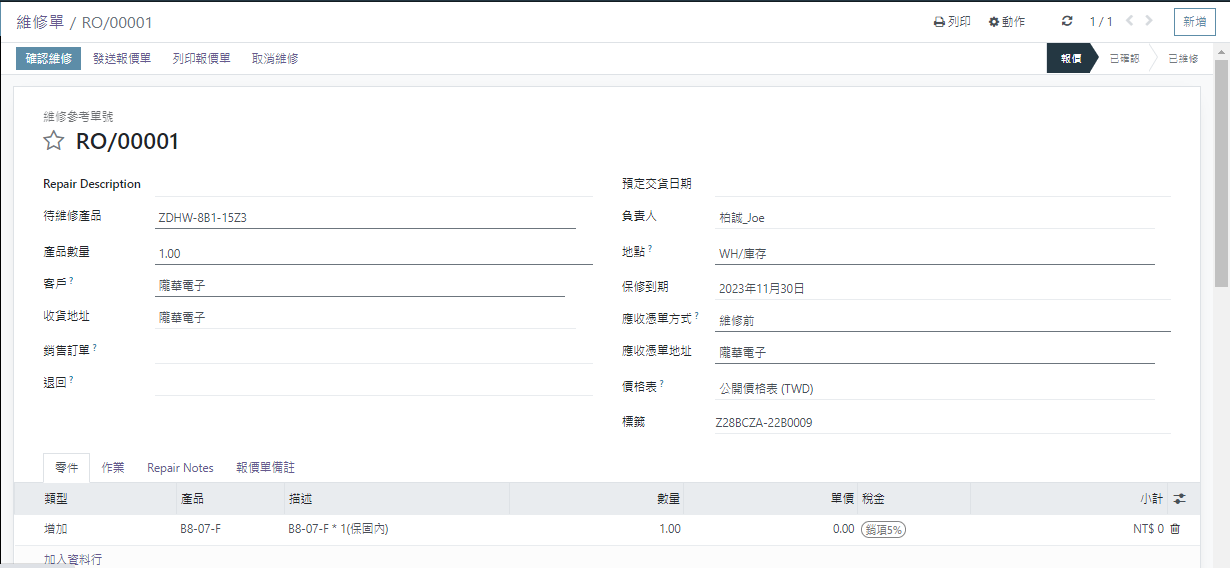
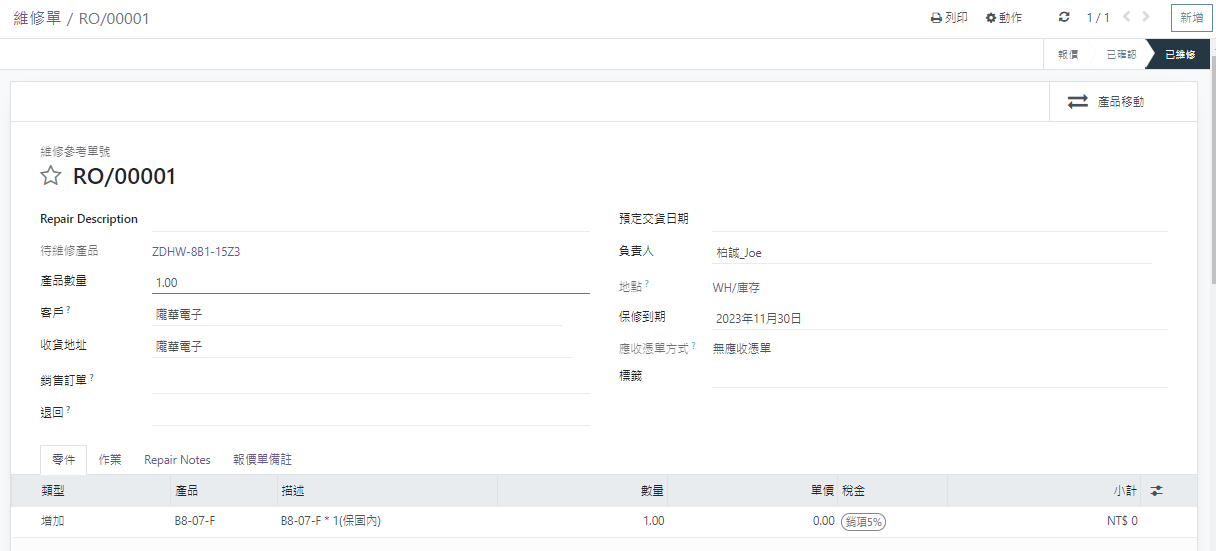
輸入資料,如下圖
點選
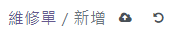
[維修單 / 新增] 旁 [儲存鈕]
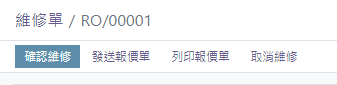
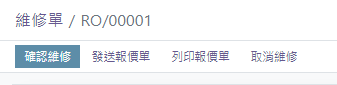
點選 標籤 [確認維修]
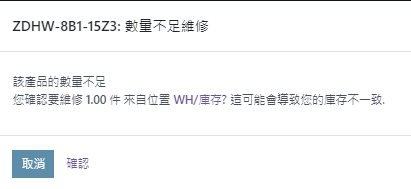
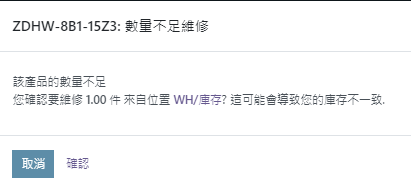
庫存量判斷→點選 [確認]
維修完成→保固內
Enter section select mode
Previous
維修品資料建立
No Comments
Back to top

No Comments